 Verbloom
Business English for the rooms that decide things.
Verbloom teaches the exact phrases executives use in meetings, negotiations, presentations, and client conversations, then makes sure you still have them a month later.
Built for senior managers, executives, and non-native speakers who already work in English and want the register of the senior table.
Get Verbloom freeFree to start · Android on Google Play
What Verbloom teaches
The same point, said the way the room expects.
Four example pairs in the style of the library. Each phrase in Verbloom comes with an example, a context note, and a formality level, so you know when it is too much as well as when it is right.
What you’d say
“I think maybe we should wait on this.”
What the room hears from you instead
“Let’s revisit this once the data is in.”
Who it’s for
Built for people already at the table.
Executives and senior managers
stepping into English-speaking rooms where every word is being weighed.
Non-native speakers
working toward C1 or C2 business English in professional contexts, not generic ones.
Professionals preparing
for international roles, board exposure, or high-stakes client work.
It is not a beginner course. If you already run meetings in English and want the phrasing that earns respect at the senior table, this is the library.
The curriculum
The pillars of executive communication.
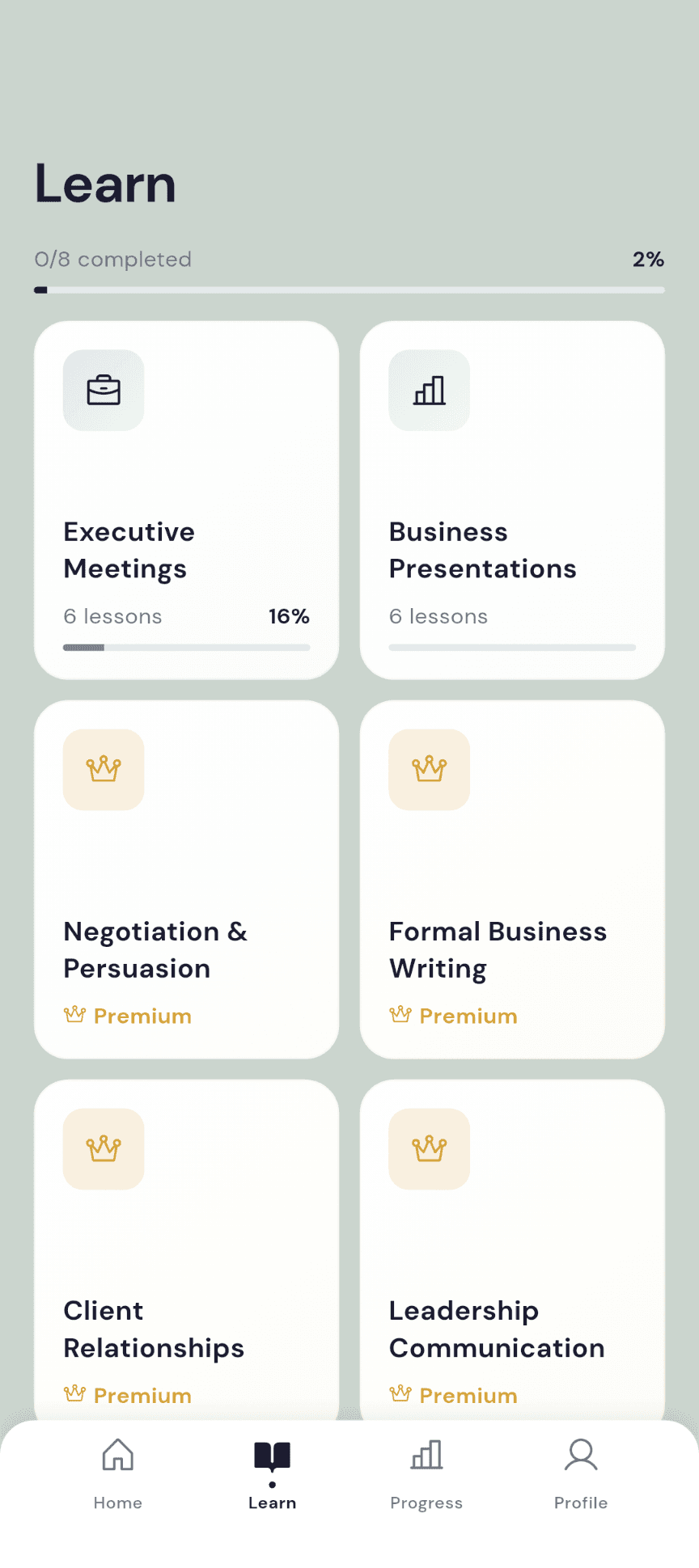
Every module is one kind of room. Each holds a run of lessons built around real situations, and modules open in order, so the language builds the way a career does. The first two are free.
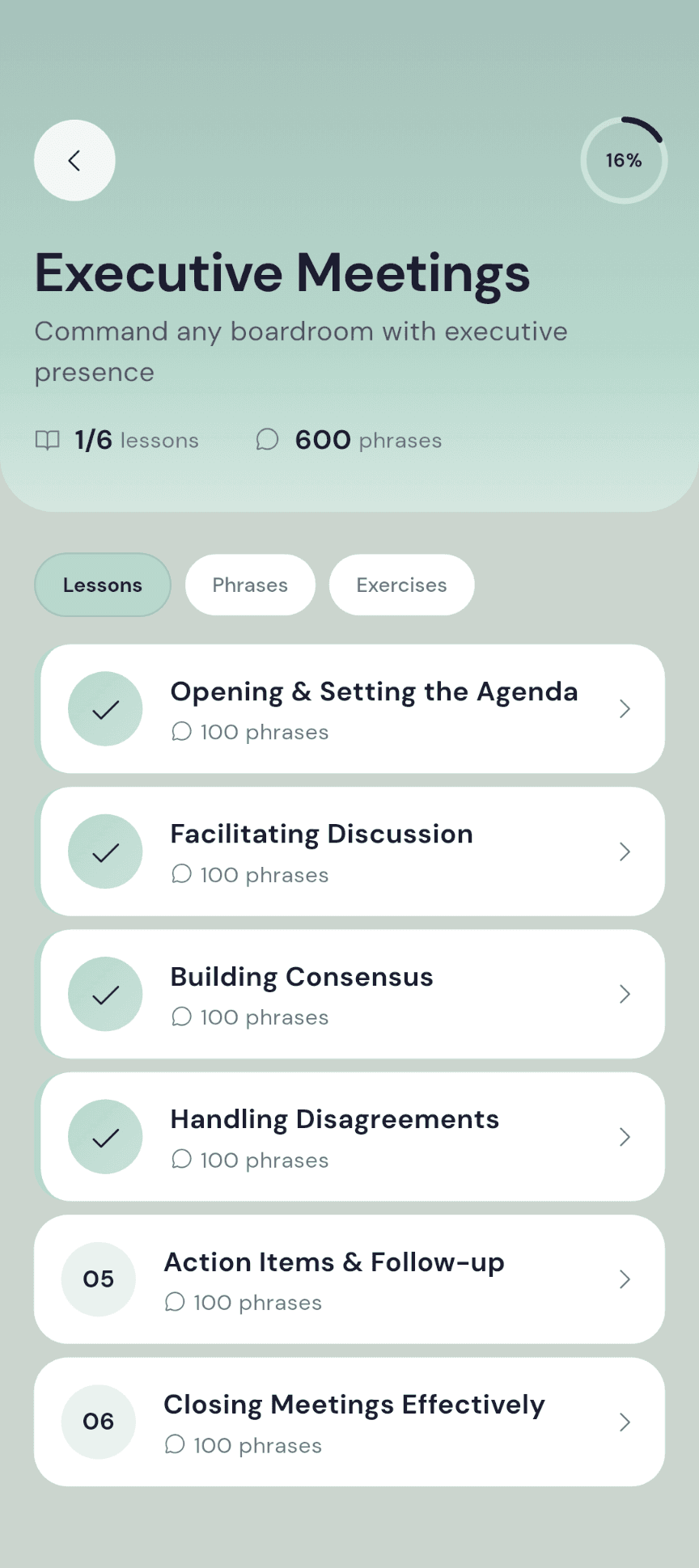
Executive Meetings
FreeCommand any boardroom with executive presence
Business Presentations
FreeLead the room from slide one
Negotiation & Persuasion
Close deals and influence decisions
Formal Business Writing
Write with authority and precision
Client Relationships
Build and grow executive relationships
Leadership Communication
Inspire and lead with words
First 90 Days
Navigate corporate onboarding like a pro
Crisis Communication
Handle difficult moments with grace
Executive Influence & Boardroom Language
Master the language of executive influence, boardroom communication, and cross-cultural business leadership. 600 phrases that command respect and drive strategic outcomes.
Inside a lesson
Every phrase arrives with the moment it belongs to.
01
Read it in context
Every phrase carries an example, a context note on the moment it belongs to, cultural notes where they matter, and tags for difficulty and formality.
02
Browse your way
Card view for one phrase at a time, list view for the whole lesson. Phrases sit in categories like Opening Remarks and Closing, so you can jump to the part you need.
03
Finish, then keep it
Completing a lesson adds its phrases to your review pool. From then on Smart Review owns the schedule and you own the ten minutes.
Ten minutes a day
Open, practice, drill. The order never changes.
Open
Today’s phrase, then the lesson you left open.
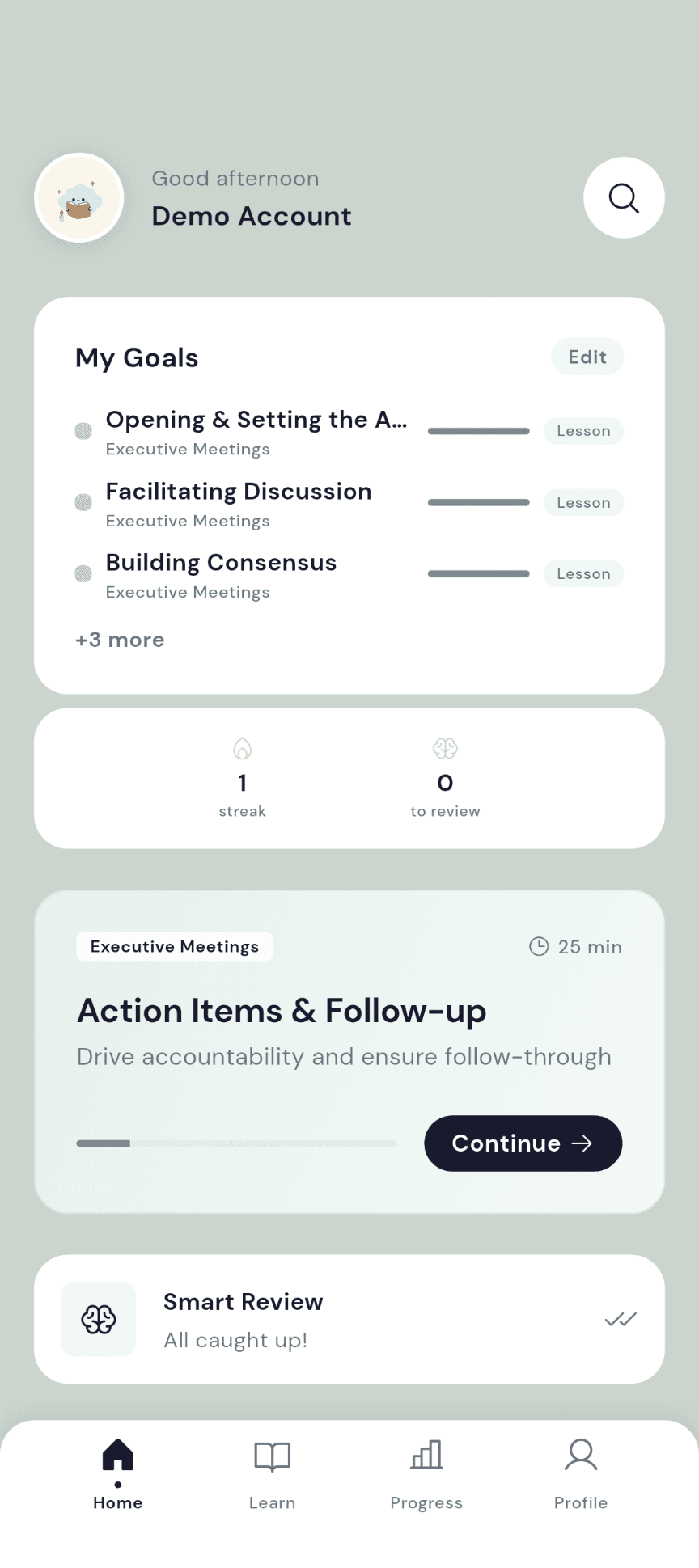
Home leads with one phrase for the day, your current lesson with a Continue button, the goals you set for yourself, and how many phrases are waiting in Smart Review. No feed, no noise.
Practice
Eight kinds of exercise, because the room never asks the same way.
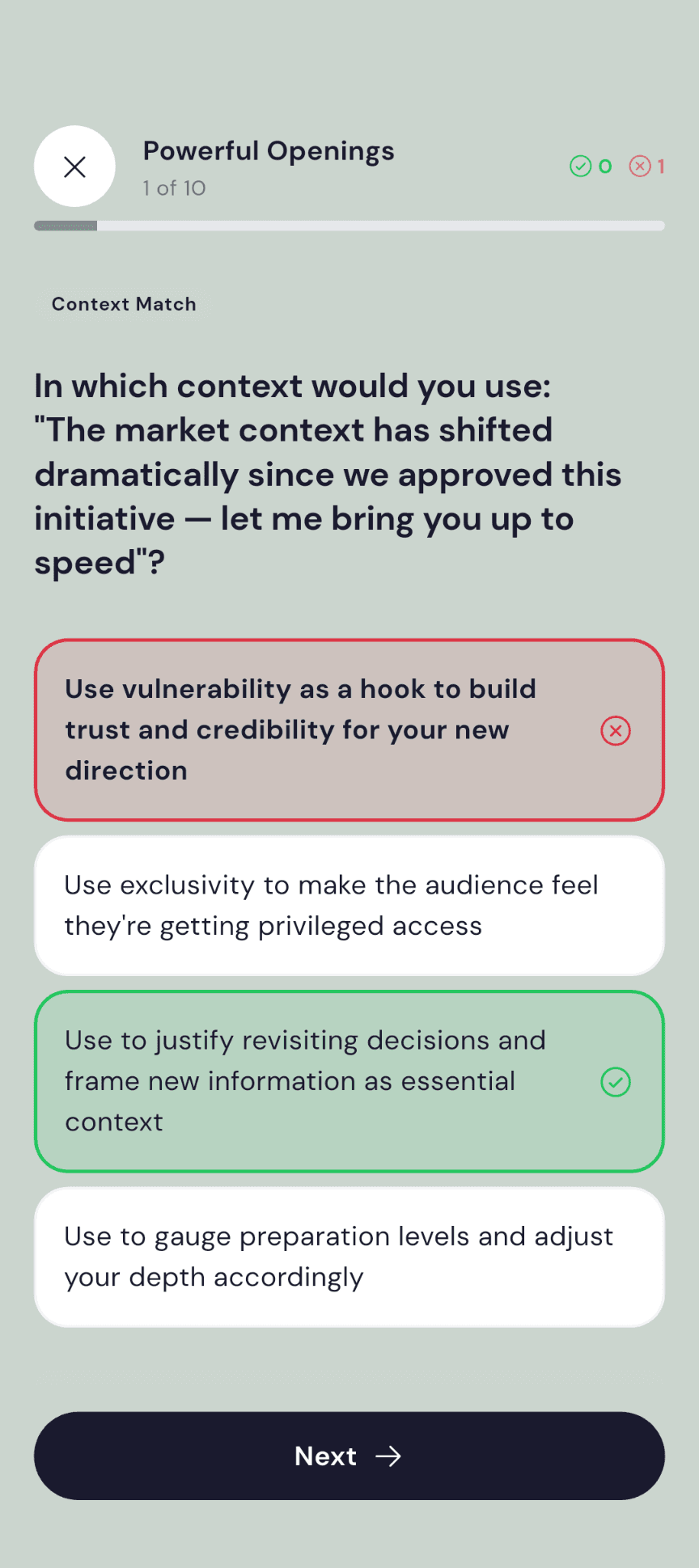
Multiple choice, fill the blank, true or false, matching, formality sort, word swap, context match, and before and after. Exercises are generated from each lesson’s phrases, so the question set changes as you go.
Drill
Practice any lesson on its own, whenever a meeting is coming.
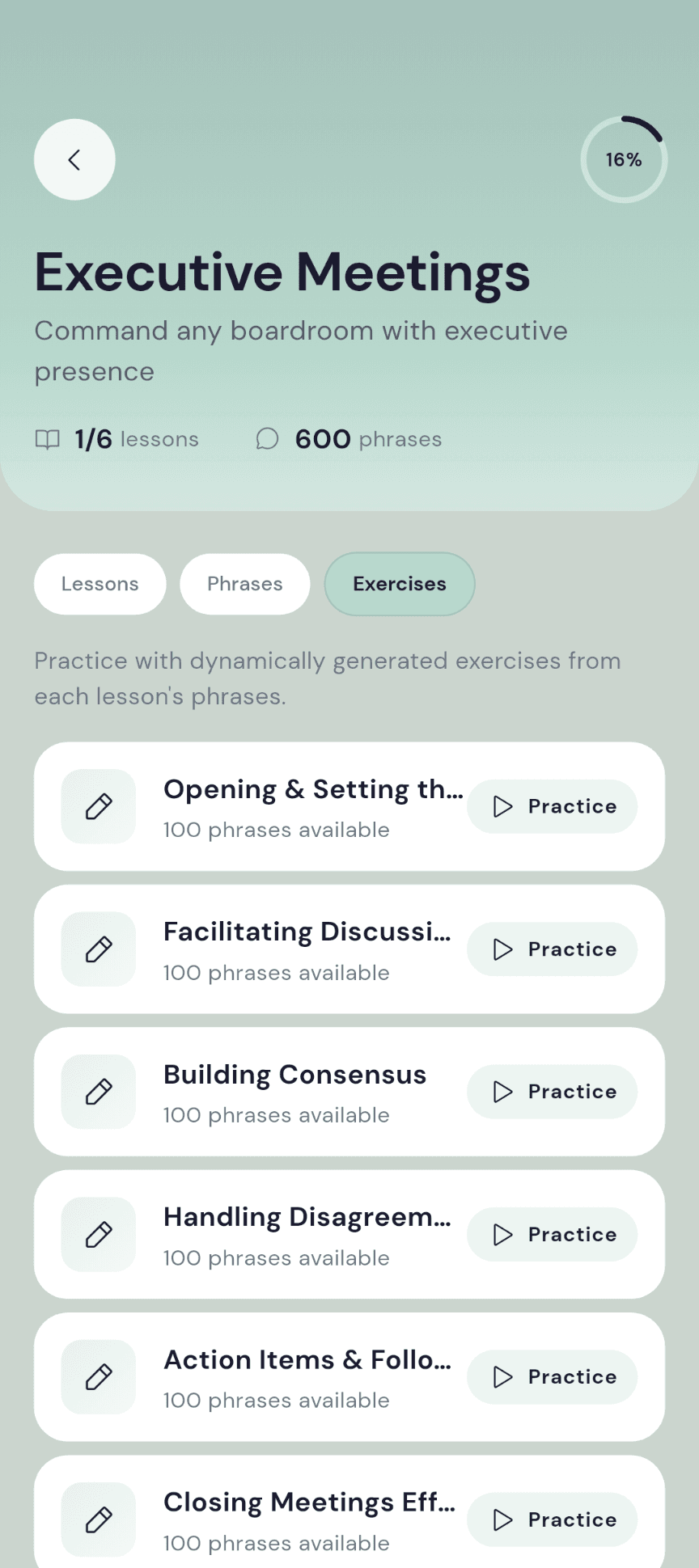
Every module has an Exercises tab. Pick the lesson that matches Thursday’s agenda and run its phrases as flashcards or as a fresh exercise set, outside the lesson sequence.
Smart Review
Remember it, and it steps back. Forget it, and it is back tomorrow.
Smart Review is spaced repetition. After each phrase you tap Remember or Forgot, and that single answer sets when you see it next.
Remember
The interval grows each time.
Recall a phrase and the next review moves further out. Keep recalling it and it fades into the background, still checked, no longer in the way.
Forgot
The clock resets to a day.
Miss one and it comes back tomorrow, then stays in frequent rotation until you have it. Nothing is retired; the ones you struggle with simply get more of your time.
New phrases first
A session opens with phrases you have never reviewed, then the most overdue. Sessions are kept short by design.
Review by module
A board meeting on Thursday? Run a session on that module alone, or one lesson, or everything that is due.
Bookmarks join the deck
Save a phrase and it becomes part of your own review pool, alongside everything from the lessons you have finished.
Progress
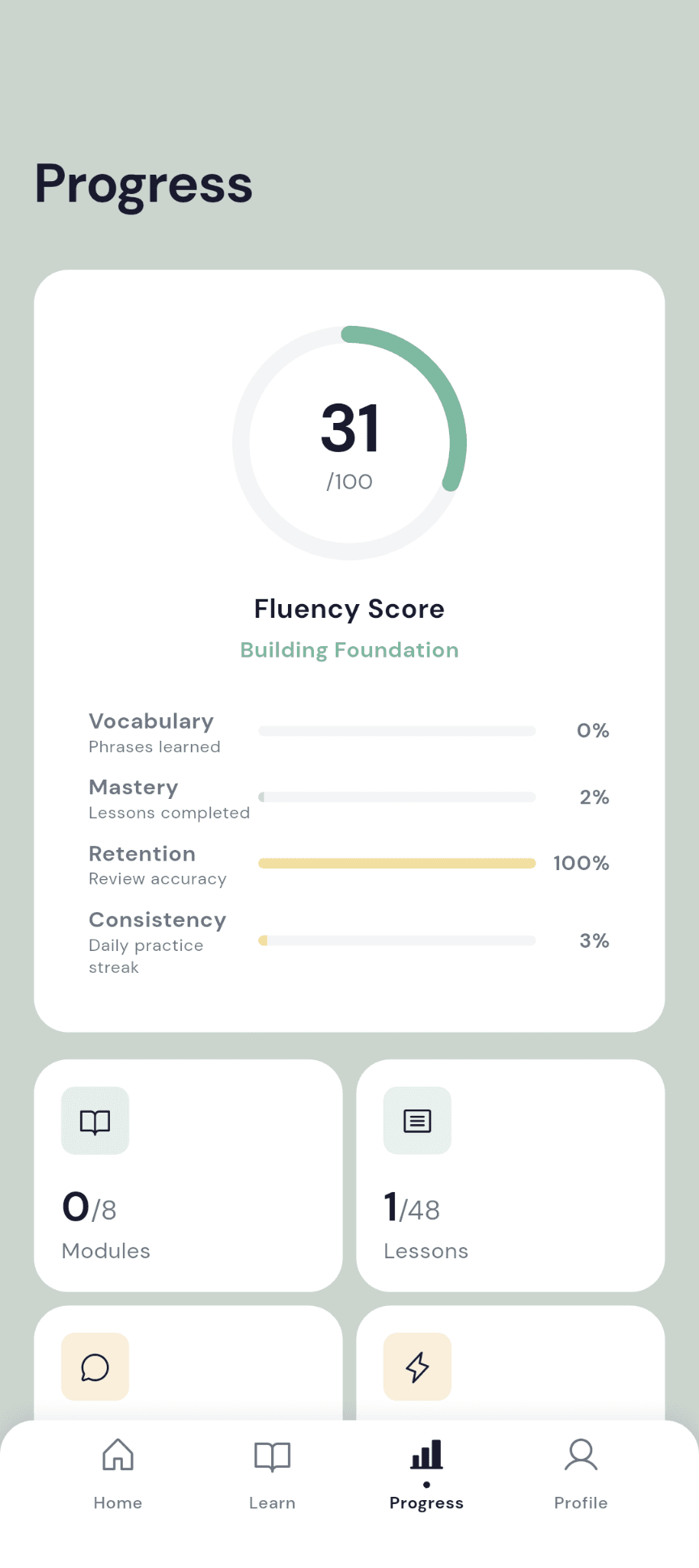
One score, three honest inputs.
The Executive Speech Score runs from 0 to 100 and weighs three things: how much of the library you have covered, how many lessons you have completed, and how consistently you show up. It rises with work, not with luck, and it carries a level name from Getting Started to C-Suite Ready.
Review accuracy, kept separate
How often you tap Remember is tracked as its own figure, so a rough week of memory does not drag the score down.
Streaks with a freeze
A streak counts the days you finish at least one activity. You get one freeze a week, used silently when you miss a day, so months of work survive one bad Tuesday.
Module mastery
A bar per module shows how far you have come, and completed modules earn a tick.
Your week, honestly
A weekly summary shows phrases reviewed, lessons completed, minutes practiced, and the streak. Time invested is tracked automatically.
The library, in hand
Hear it, find it, keep it.
Hear it
Tap any phrase to hear it spoken, so the stress lands where a native speaker would put it.
Find it
Search the whole library by text, tag, or context note from the home screen. Works from the cached library when you are offline.
Keep it
Bookmark the phrases that matter this week. Saved phrases become your own review deck, and a swipe removes one with a few seconds to undo.
Read it your way
Card view or list view, categories to jump between, and difficulty and formality badges to decide what to learn first.
Be reminded
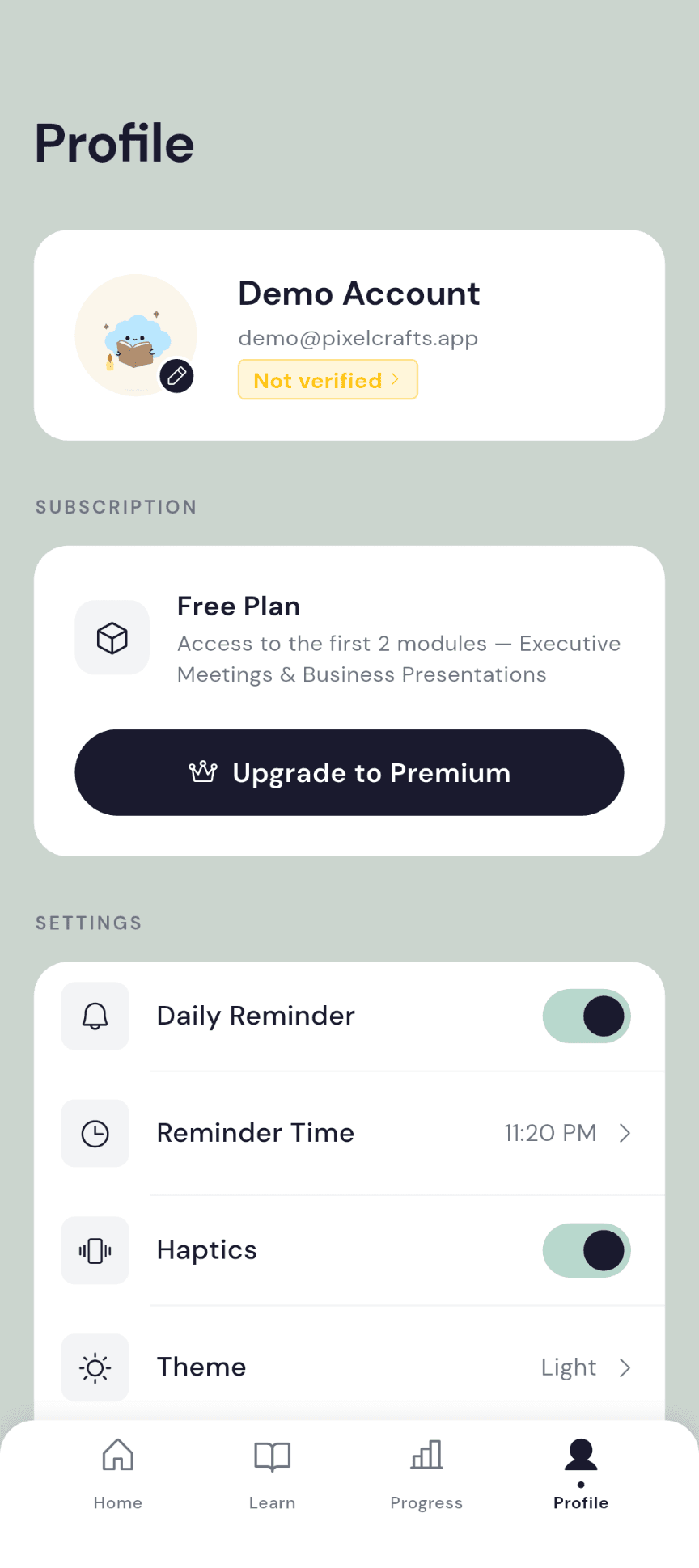
A daily reminder at the time you choose. Turn it on in Profile, pick the hour, and let the streak look after itself.
Light, dark, or system
The theme follows your device or the setting you pick. Haptics can be switched off for silent practice.
Free and Premium
Two modules free. Premium opens the rest.
Free is the whole product on the two foundation modules, so you hear the voice of the app before you commit. Premium is priced in the app for your country, monthly or annual, and you can cancel anytime in your device settings.
Free
Executive Meetings and Business Presentations, every lesson
Smart Review with Remember and Forgot scheduling
All eight exercise types and practice mode
Executive Speech Score, streaks, and one streak freeze a week
Search, bookmarks, pronunciation audio, and offline access
Premium
Every module in the library, including new ones as they are published
Every premium lesson and its exercises
Monthly or annual billing, chosen in the app
Cancel anytime in your device settings
Restore your purchase on any device you sign in to
Privacy and account
No ads. No tracking. Delete everything from inside the app.
Executive language is private, and so is your practice.
Sign in three ways
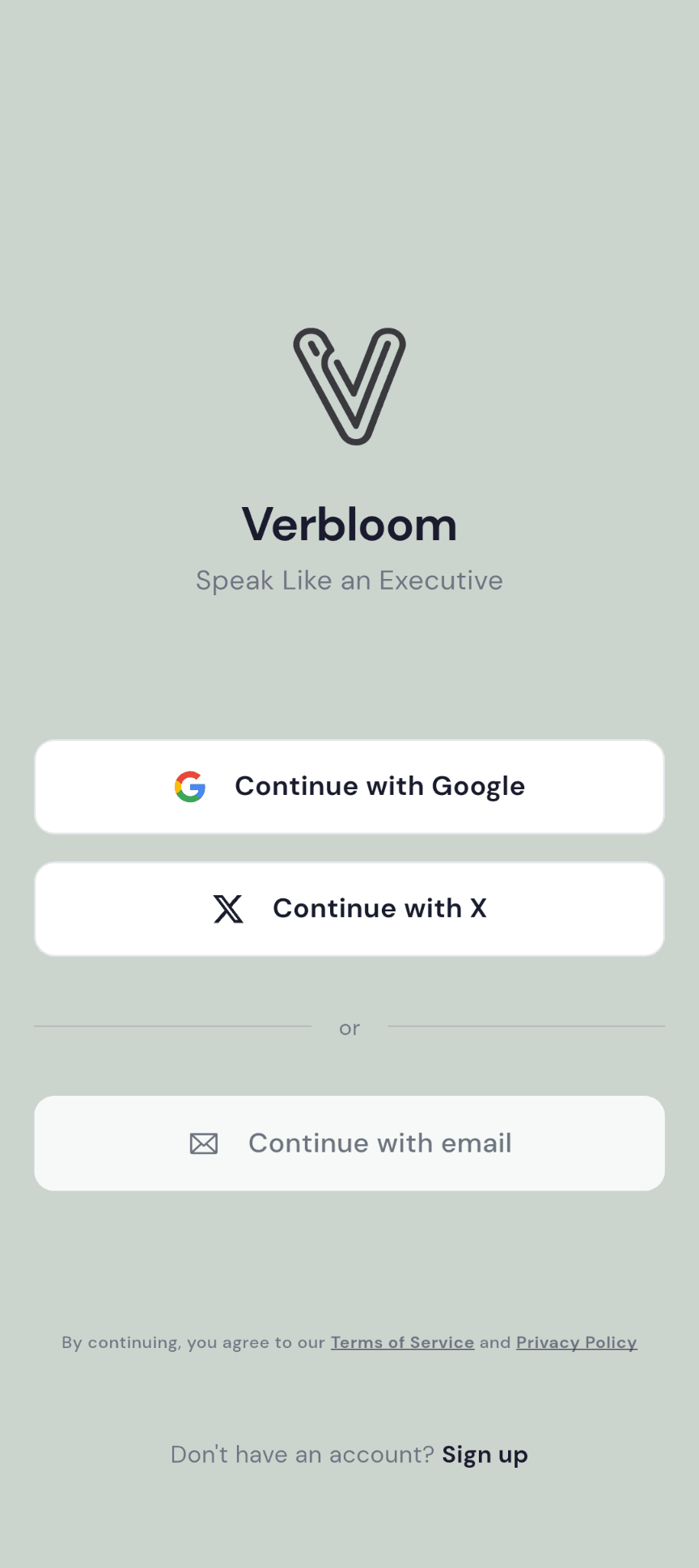
Email, Google, or X. Your purchase is restored when you sign in on a new phone.
Only what the app needs
Your email, name, learning progress, purchase status, crash logs, and a push token for reminders. Nothing is sold or shared with third parties, and there are no advertising identifiers.
Encrypted in transit
Everything between the app and Pixel Crafts travels over HTTPS.
Leave cleanly
Delete your account from Profile. You have a month to change your mind by signing back in; after that, everything goes.
Questions
Before you install.
Is Verbloom on iPhone?
Not yet. Verbloom is on Android through Google Play today. An iOS release is in progress, and this page will say so the day it ships.
What level is it written for?
Professionals who already work in English and want the register of the senior table: C1 to C2 business English. It is not a beginner course.
What do I get without paying?
Two complete modules, Executive Meetings and Business Presentations, plus Smart Review, the Executive Speech Score, streaks, search, bookmarks, and audio. Premium opens the rest of the library.
How much is Premium?
Prices are shown in the app for your country and currency, on a monthly or annual plan. You can cancel anytime in your device settings.
Does it work offline?
Yes, after the first sync. Lessons, exercises, and reviews save on your phone and sync when you are back online. Search falls back to the cached library.
How is the Executive Speech Score calculated?
Three inputs: the share of the library you have covered, the lessons you have completed, and your daily consistency. Review accuracy is tracked as its own figure, so early memory slips do not pull the score down.
Does Verbloom show ads or track me?
No ads, no advertising trackers, and nothing shared with third parties. Verbloom keeps your email, name, learning progress, purchase status, and crash logs to run your account, and you can delete your account and data from inside the app.