One thing at a time
It never plays two things at once.
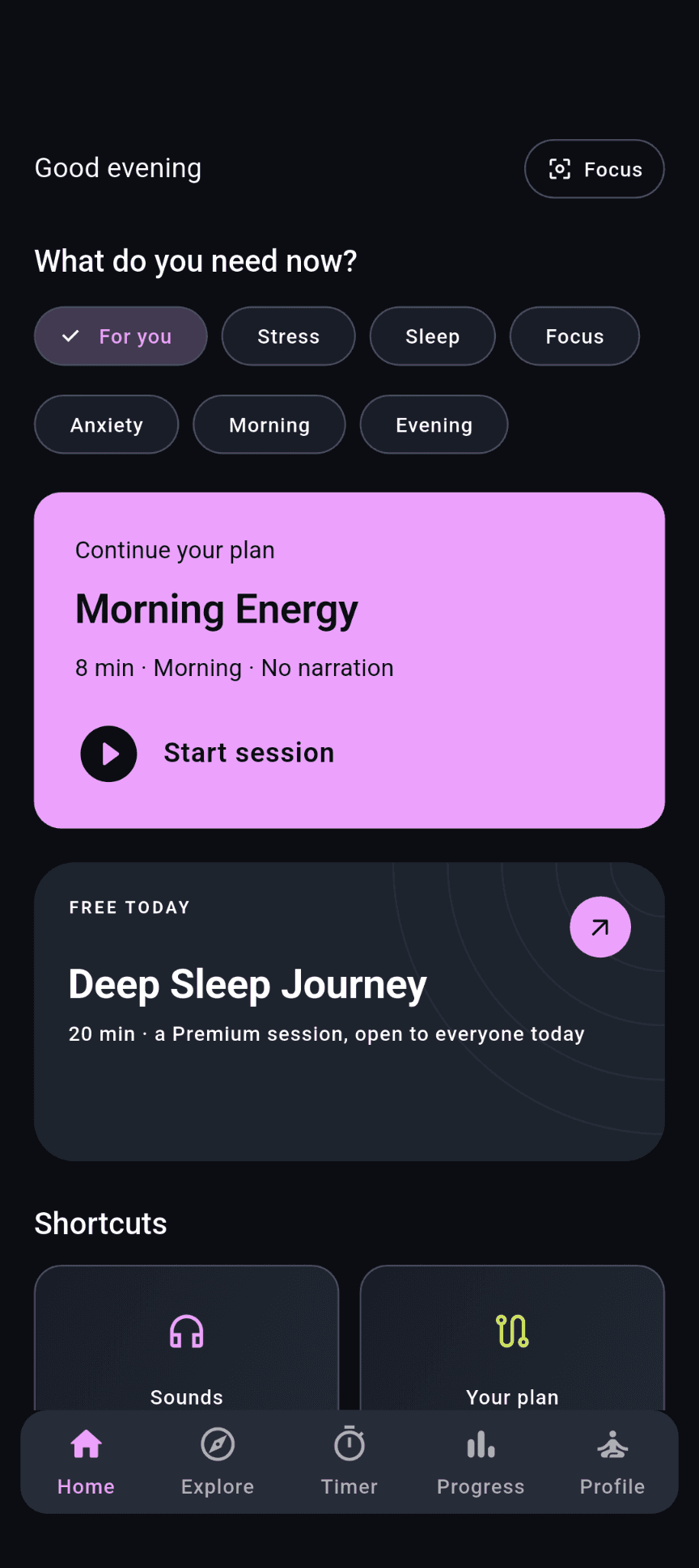
Move from a sound mix to a session without two players competing. The mini player and lock-screen controls keep the active practice within reach.
SessionTimerSounds— the other two stop
 Stillnest
Unwind with ambient meditation, find a breathing rhythm or settle into a quiet timer. Make room for a pause, whatever your day looks like.
Before a meeting. After a long day. When it is time to rest. No feed to catch up on, and no ads between you and the quiet.
Why it feels different
One thing at a time
Move from a sound mix to a session without two players competing. The mini player and lock-screen controls keep the active practice within reach.
No streak to break
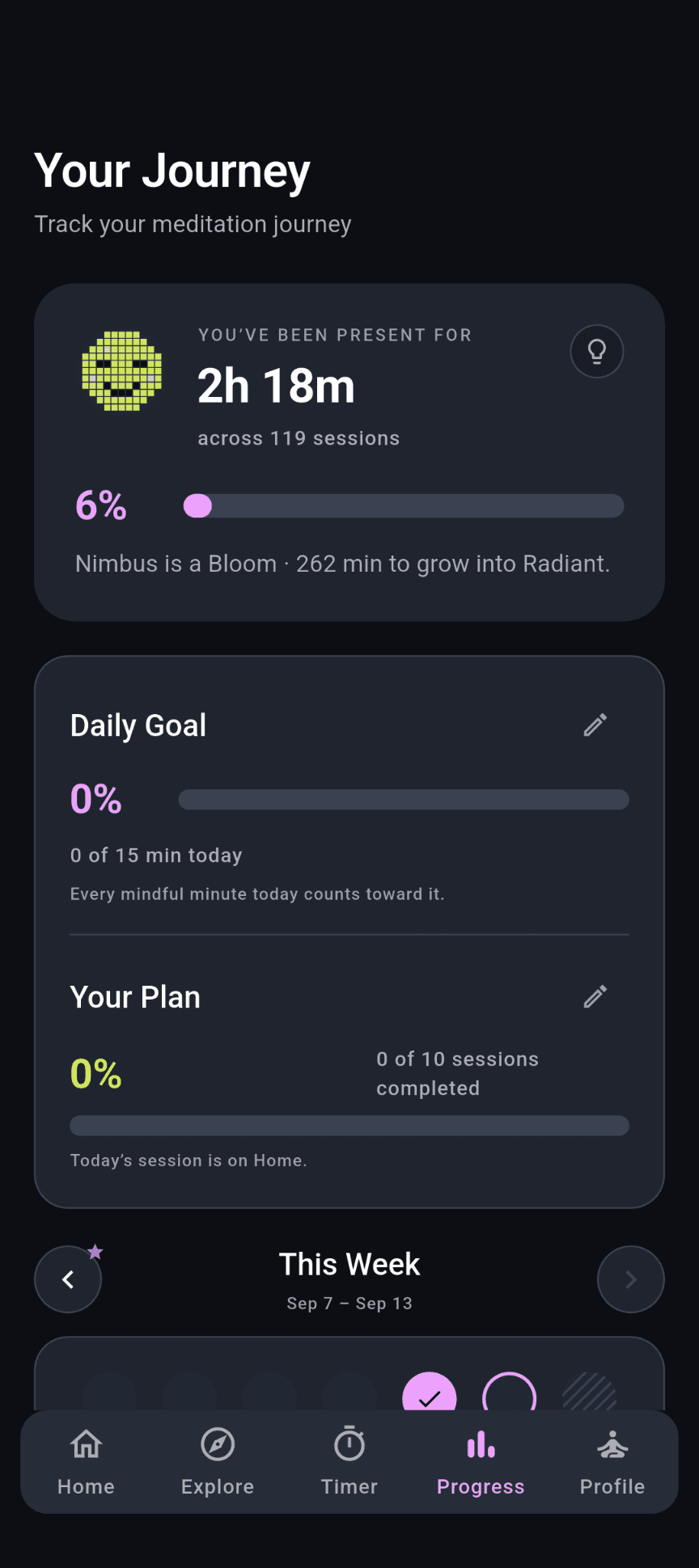
Your companion, Nimbus, grows with total mindful minutes, not consecutive days. Take a week away and come back to the progress you already made.
One sound library
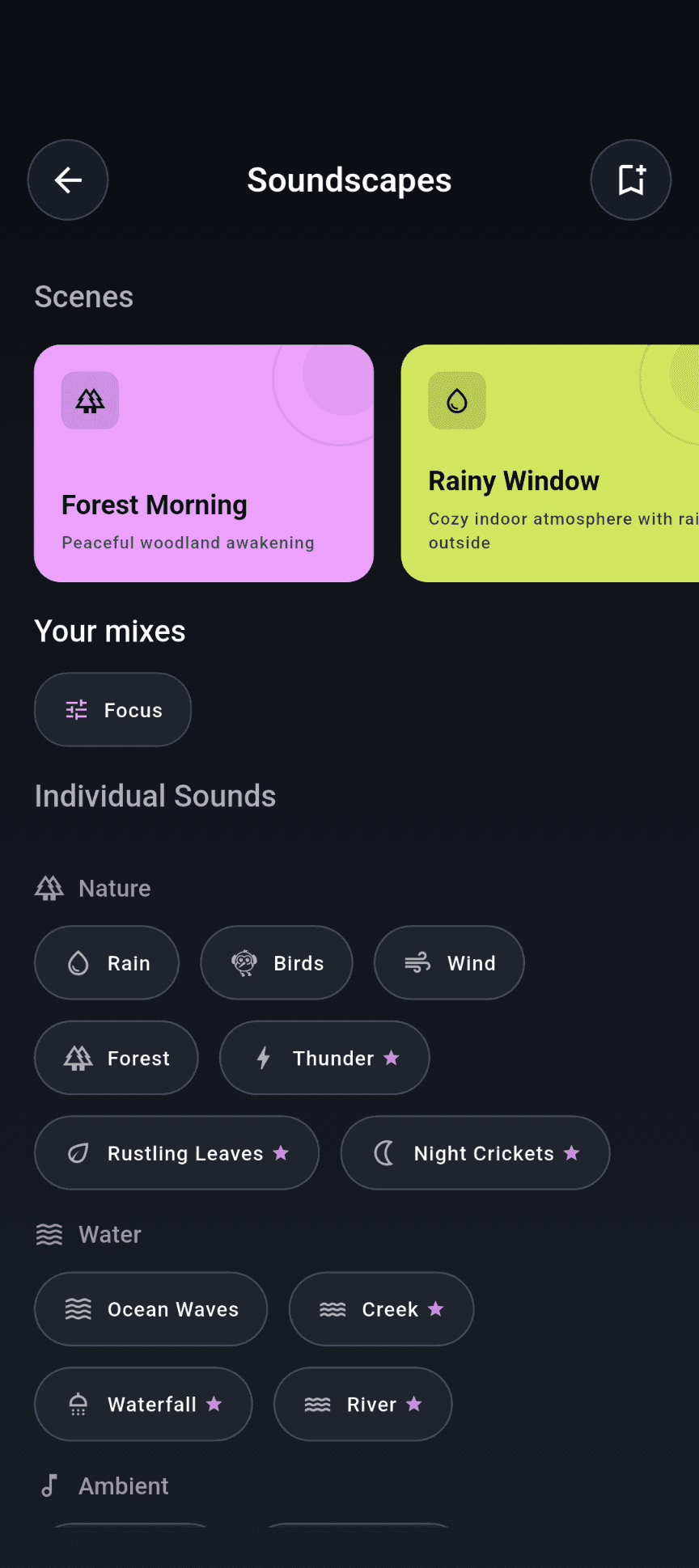
Bring ambient sounds, scenes or music into a session, a breathing exercise, the timer or Focus. Keep the session’s own sound or choose a background that suits you.
The practice
Unwind with a session, follow a breathing exercise, set a timer or open Focus. Ambient meditation uses sound and a closing bell, not spoken narration.
Unwind
Choose a theme for morning, evening, rest or focus. Settle into layered ambient sound with a closing bell, and adjust the background or sleep timer to suit the moment.
Find your rhythm
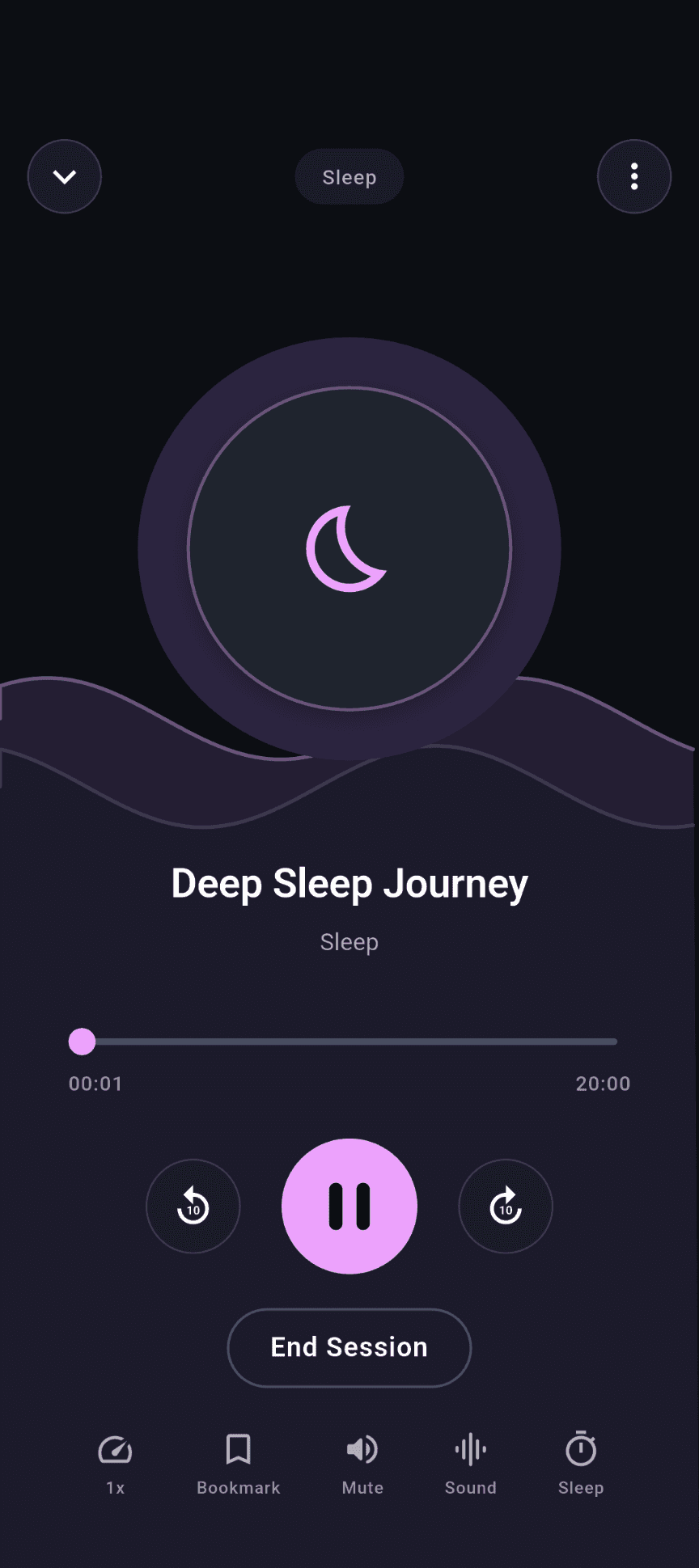
Follow a gently changing orb through box breathing, 4-7-8 and other techniques. Short spoken cues mark each phase. The app shows which techniques are free or Premium.
Make time
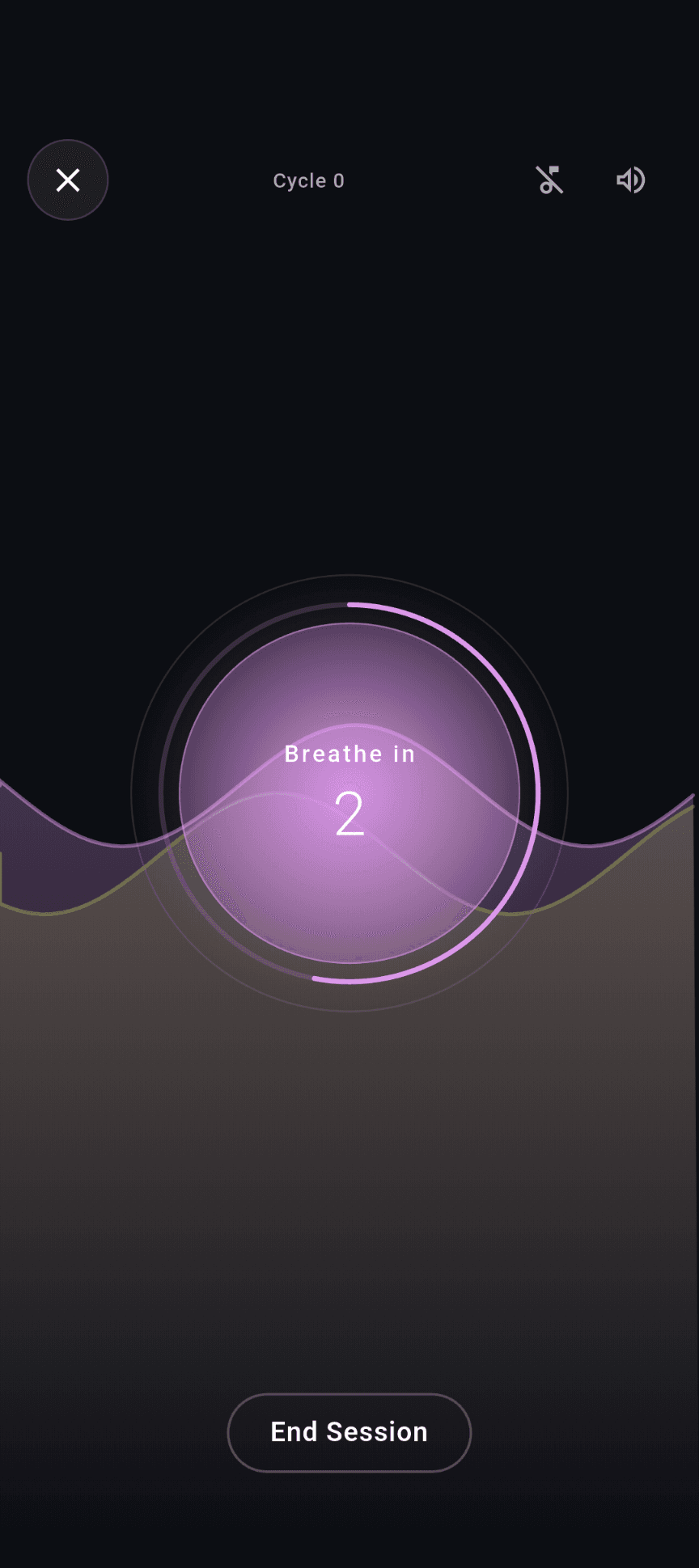
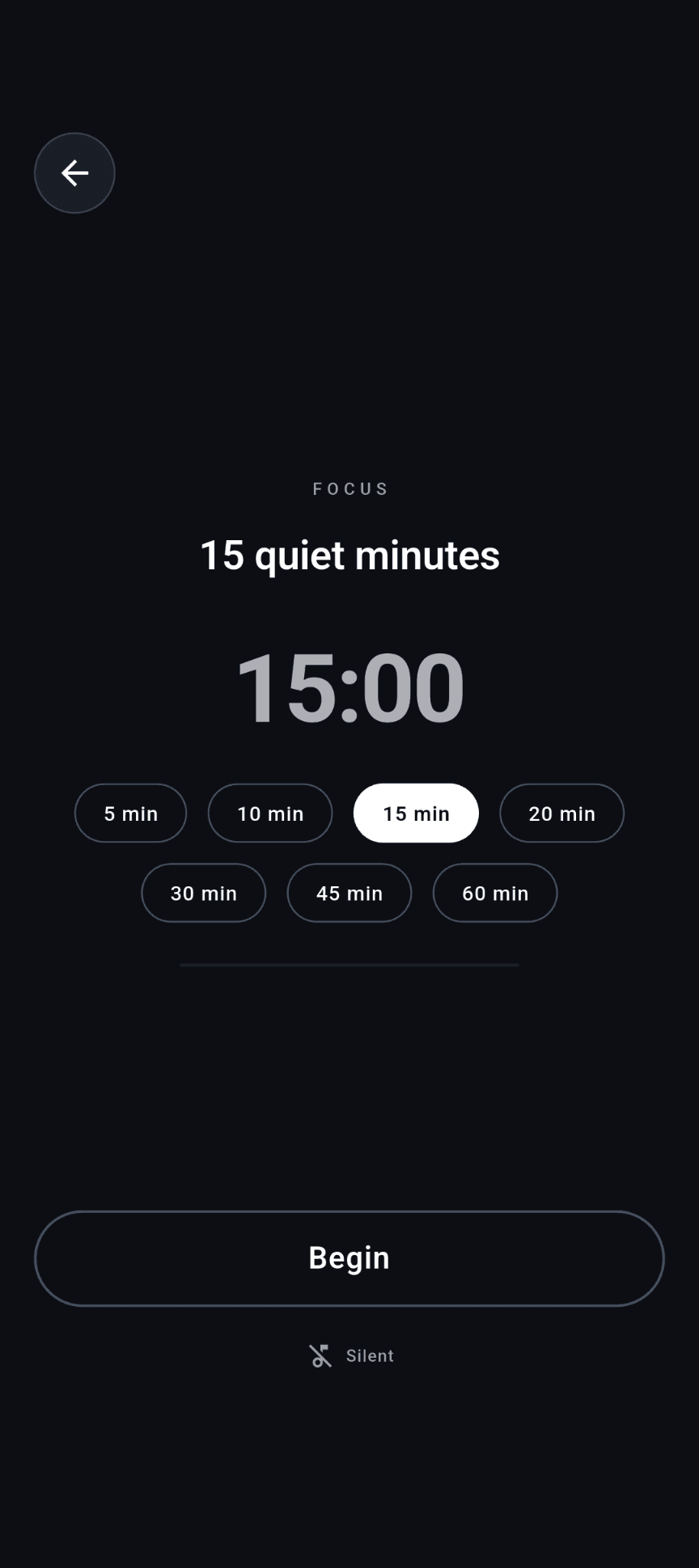
Choose your duration and opening and closing bells. Add a background sound, or keep the default silence. A simple space for a practice of your own.
Clear some space
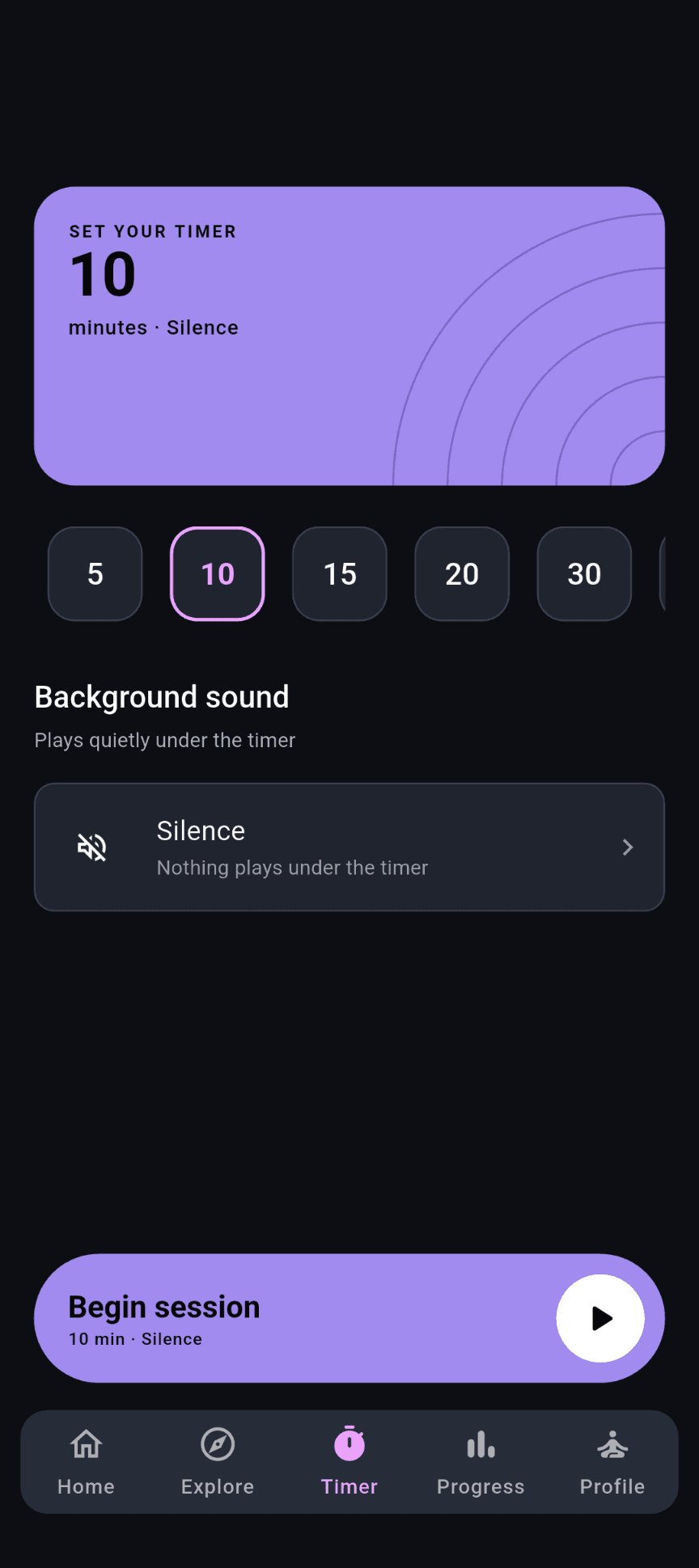
Open a quiet timer from Home, matched to your daily goal. No extra choices to make first. Stay in silence or add a sound; recorded practice counts even when you stop early.
Sound
Combine rain, forest, ocean, a fireplace and more. Adjust each layer and save your mix for another day. Bundled ambient sounds can play without a connection.
Ready-made mixes for focus, rest or sleep. One tap, and the chips light up so you can see exactly what is in it.
Explore calm instrumental music on its own or as a practice background. Free and Premium tracks are identified in the app; streamed music may need a connection.
What builds up
The Progress tab adds up what you actually did: lifetime minutes and sessions, a week of dots, the moods you logged beside them, where the practice went by theme, and recent activity. Nothing to maintain, nothing that resets.
Browse the recorded weeks available to your account. The app shows current access to earlier activity.
Sleep better, melt stress, ease anxiety, sharpen focus, start the day, or a beginner reset. Choose how many days; Stillnest lays out a session for each, matched on your device, and today’s step waits on Home. Rebuild it whenever the goal changes.
Prompts with an answer to start from. Expand, edit or delete an entry. It syncs to your account and is never a feed.
A one-tap mood check-in on Home, with the week beside your minutes on Progress. One affirmation a day, kept in the journal if it is worth keeping, or let pass.
A daily reminder and a separate bedtime one, each at a time you choose, in your device’s own timezone. Both survive a restart. A daily goal in minutes sits on Progress’s commitments card next to your plan.
How a day goes
Home opens with a mood check-in, an affirmation and a session picked for the time of day. Free Today unlocks one premium session for everyone.
Tap play on a session, or Focus for a silent sit as long as your goal. Leave the screen and it keeps going, with controls in the mini player and on the lock screen.
A bedtime reminder if you set one, then a sleep session or a scene under the timer. Everything you sat through lands on Journey and in Nimbus.
Sign in with Google or email. Minutes, moods, journal entries, saved mixes and your plan follow you to a new device.
The room it makes
One dark theme. Every surface is opaque — no frosted panels, no glow, nothing competing for the eye at eleven at night.
The full dashboard, or Simple: one card with today’s minutes against the goal and the plan, then Focus, Breath and Meditation. Chosen in Profile, remembered on your account.
There is nothing to scroll and nothing for sale between sessions. When you are finished, nothing here is trying to keep you.
Account sync stores practice, mood and journal information. Firebase processes analytics and crash diagnostics, and store services handle purchases. Read the published privacy policy for details; account deletion is available from Profile.
The in-app guide and FAQ explain sessions, breathing and progress. Use the support form or the contact link below when you need help.
A few practical things
What plays, what is free, and how your account works. The in-app guide and support links below are there when you need them.
Not today. A session is a layered ambient mix with a bell at the end, and the breathing exercises have short spoken cues for each phase. If you want someone talking you through a meditation, that is not what Stillnest ships yet.
Bundled ambient sounds can play without a connection. Other sessions and music may need streaming or a fresh playback link, even after an earlier play. Cached audio is not guaranteed offline access, and there is no download manager.
Android, on Google Play. An iPhone version is not available yet.
The app shows the content available to your account, current plans and store prices before purchase.
The journal has no public feed. Entries and mood check-ins sync to your account. See the privacy policy for storage, service-provider access and retention; this page does not promise end-to-end encryption.
Subscriptions are billed by Google Play. Cancel from the subscriptions section of your Play account and your access continues to the end of the period. On a new device, tap Restore on the Go Premium screen.
Yes, from Profile inside the app, or by writing to support@pixelcrafts.app.
Find a practice that fits today. Leave the rest for another time.
Get StillnestAvailable on Google PlayNeed help with Stillnest?
support@pixelcrafts.app